Ontario
Markham office: 33-461 Alden RdSubmit the project address and the dig dates for the Ontario routing.

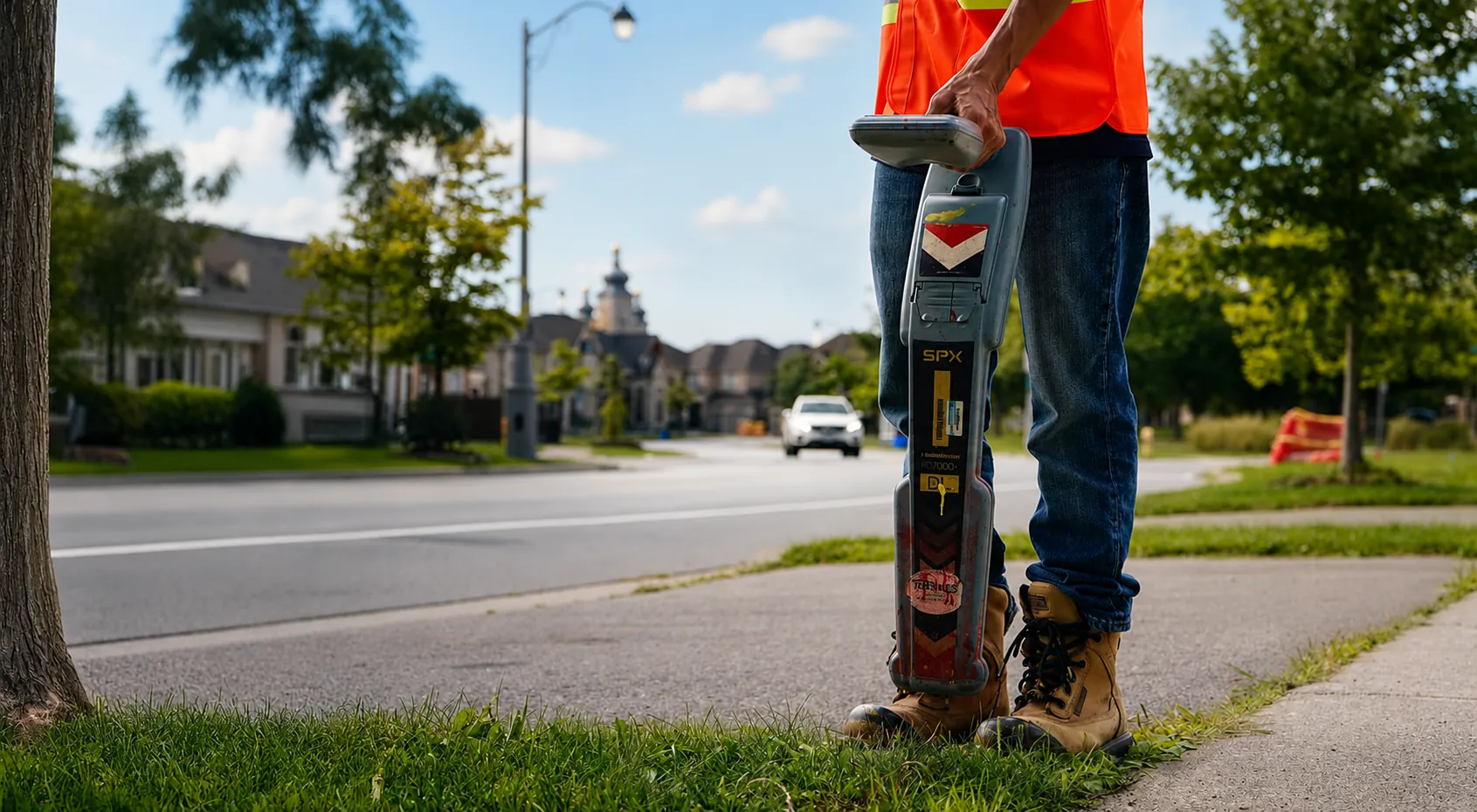
Have the site address, planned dig dates and locate ticket number ready. Call CLI to confirm the schedule and next step.
Locate request
The prototype validates the request details but does not transmit them yet. Submit to review the completed fields, then call CLI for live routing.
Regional routing
Completion timing depends on the region, the contract, and the request. Confirm the expectation when CLI routes the request.
Submit the project address and the dig dates for the Ontario routing.
Call to confirm the schedule for the planned work.
Call with the project address and the dig dates to confirm the BC routing.
Use the external Ticket Status portal. A ticket-status check is separate from a new locate request.
Need live routing
CLI will confirm the right path for Ontario, Alberta, or British Columbia based on the request and operating season.